How it works
One case, from reception to invoice
BenchFlow follows the way a dental laboratory already works. Every step uses what the previous one recorded, so nothing is typed twice and everyone, in the lab and at the clinic, sees where each case stands.
-
Case reception
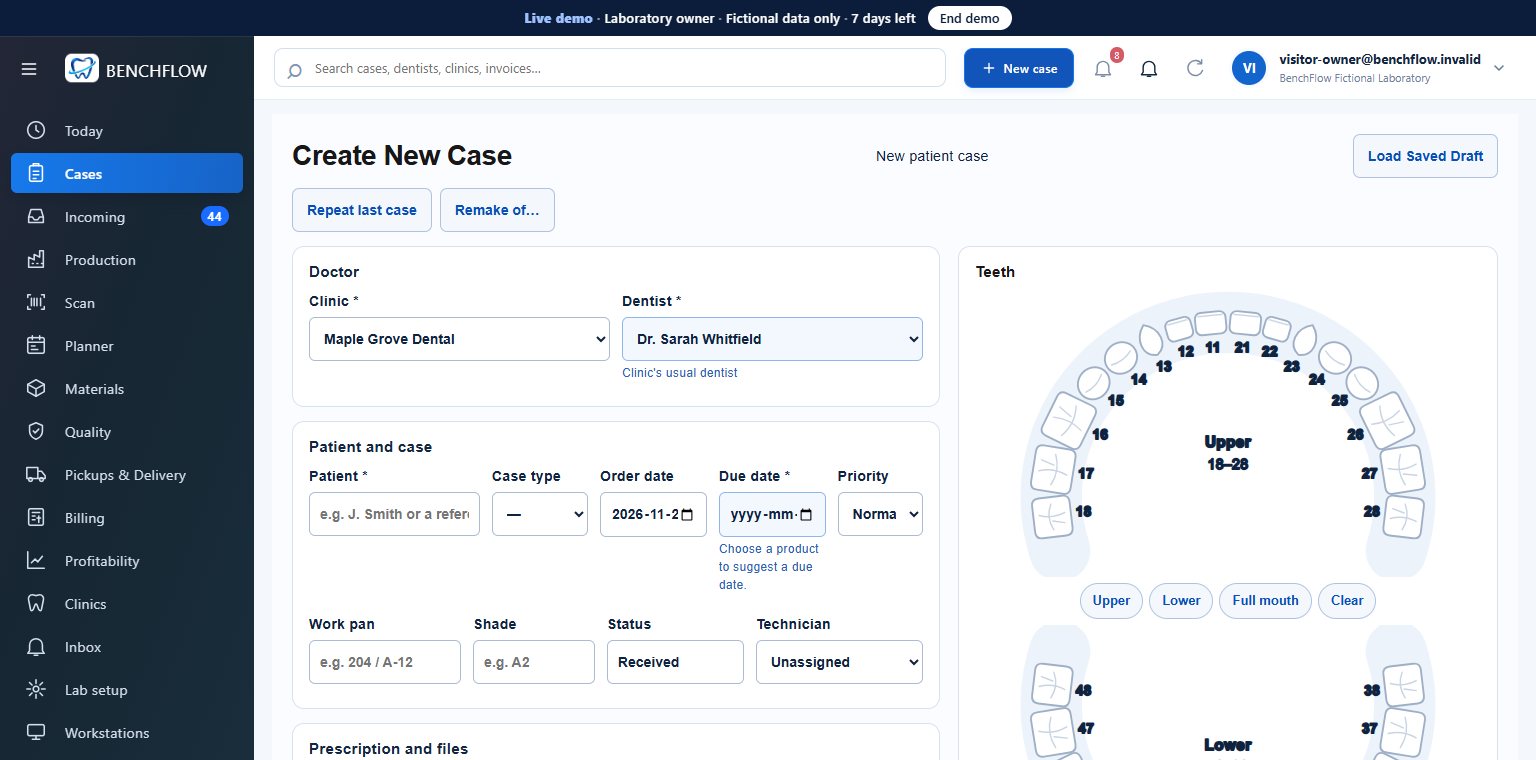
Receive the case, complete and checked
Cases arrive from the clinic portal, from digital case imports or at the front desk. Reception reviews the prescription and the attachments, then creates or accepts the laboratory case with its due date.
- Digital prescription with tooth chart, shade and products
- Scan files, photos and documents kept with the case
- Duplicate submissions detected
-
Production planning
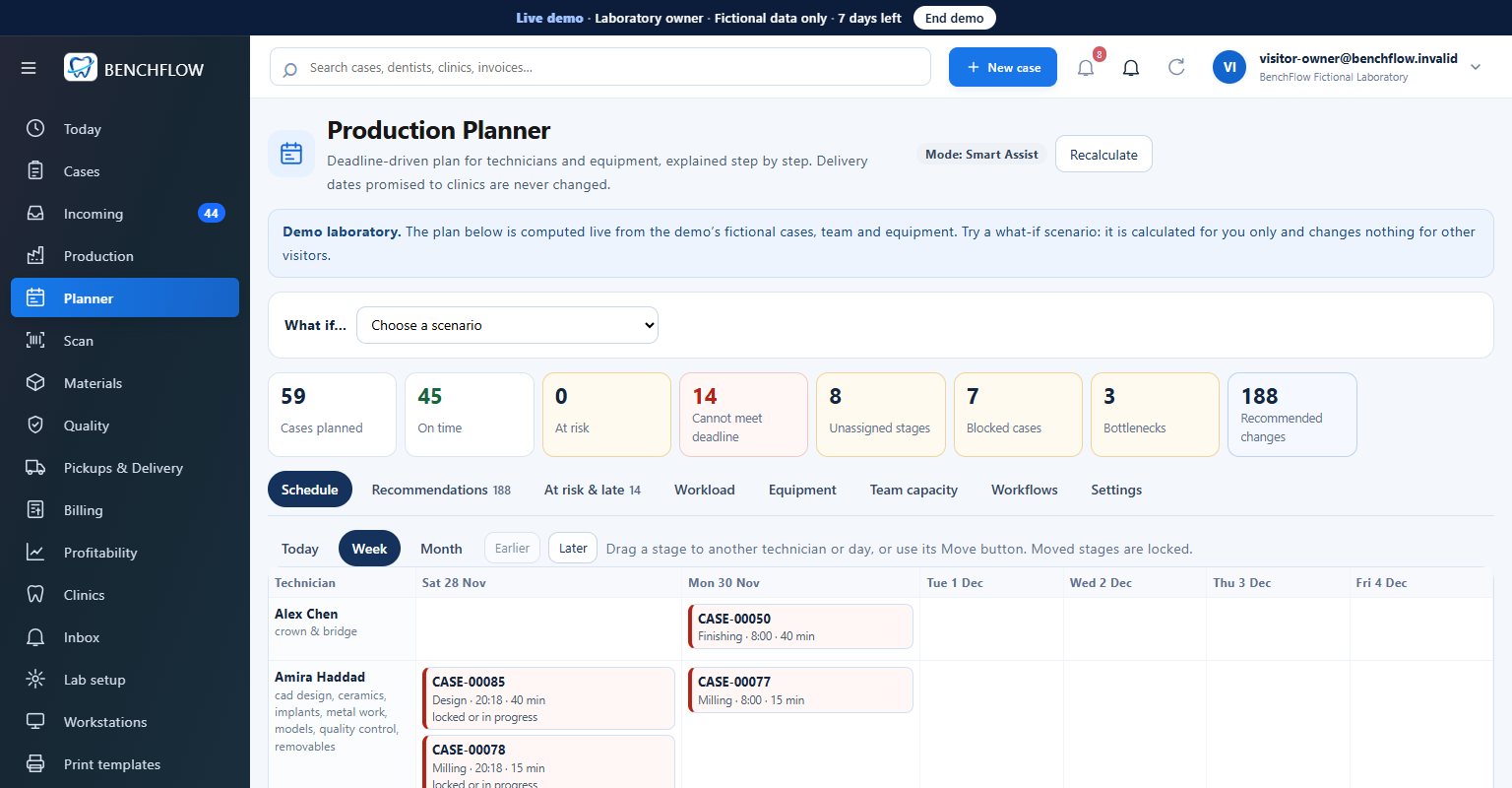
Plan technicians, machines and materials together
The Production Planner places each case on the right technician and machine before its deadline, and reserves the materials it needs. Approve its recommendations, plan by hand or let it plan automatically.
- Manual, Smart Assist or Automatic planning
- Workload balanced across the team
- Deadline risks flagged early, with the reason
-
Manufacturing
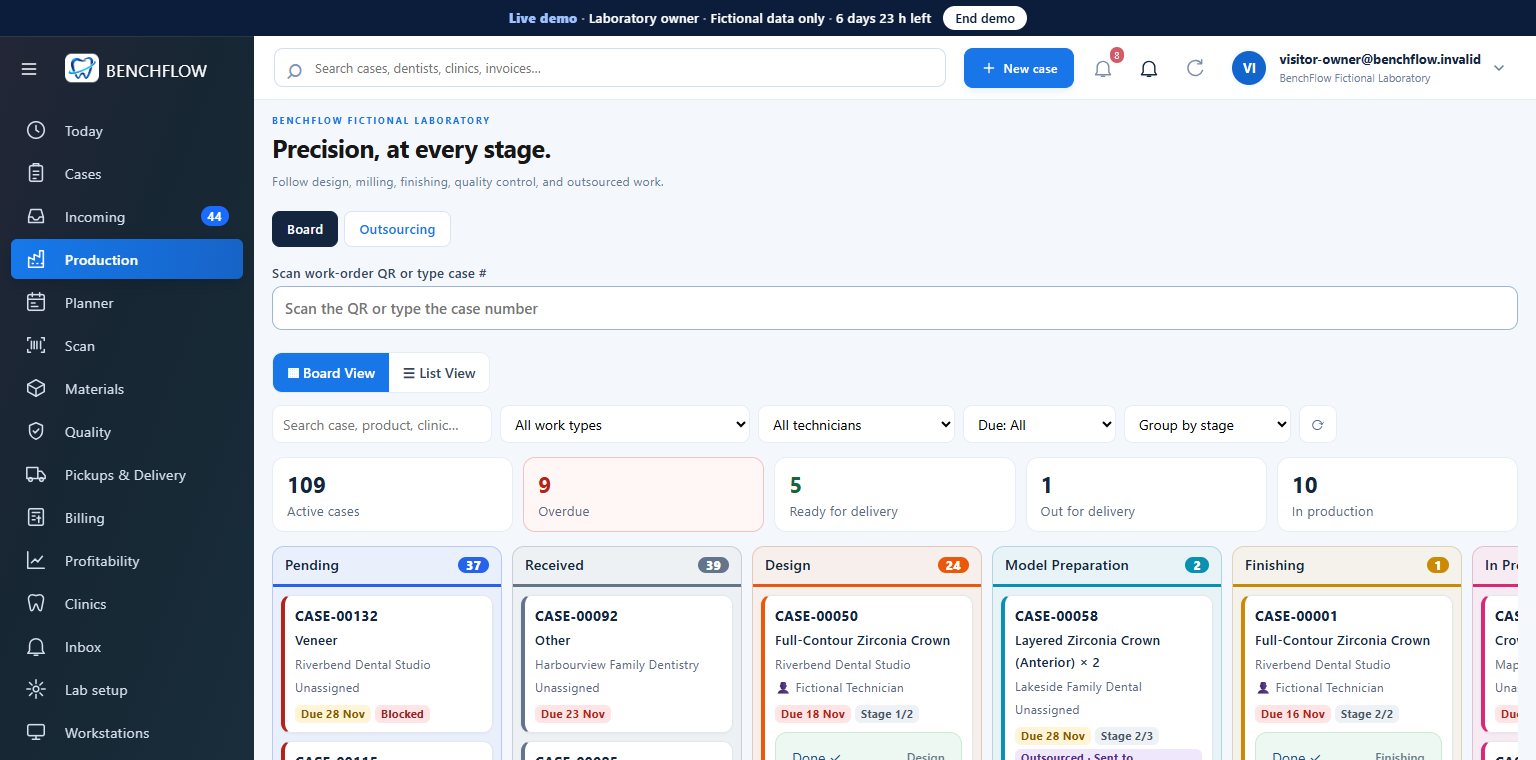
Follow every stage at the bench
Technicians open My Work, start and complete each production stage, and scan the case label as it moves from design to milling, sintering and finishing. The production board shows every case by stage.
- Stages confirmed by scanning QR or barcode labels
- Machine cycles and batch furnace programs
- Problems and clarification requests raised in context
-
Quality control
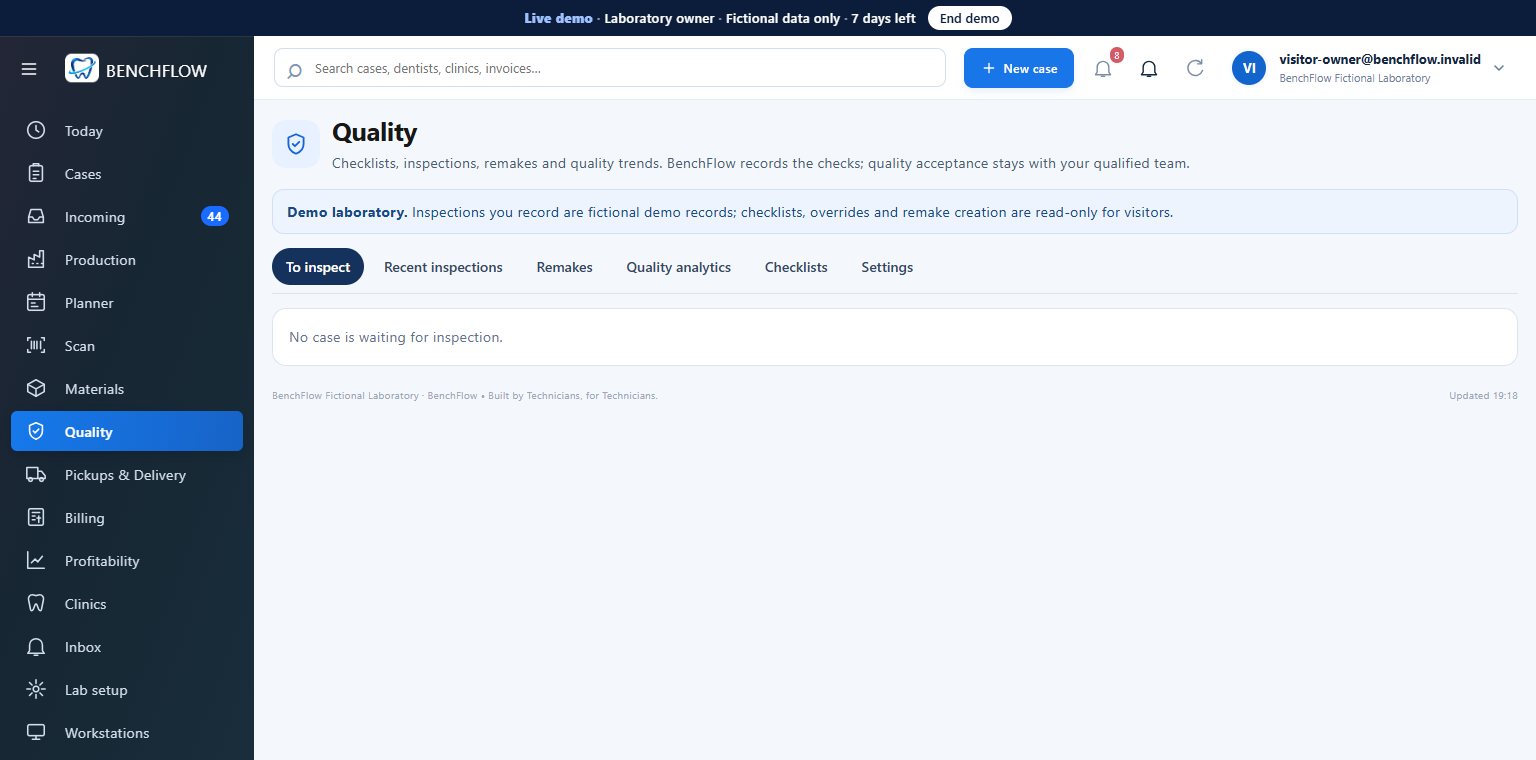
Inspect before anything is released
A checklist for the product and stage guides the final inspection. Failed checks go back for correction and reinspection; a case is ready only when it passes or a manager records an override with a reason.
- Configurable checklists and final approval
- Remakes linked to the original case
- Remake reasons and cost recorded
-
Delivery and invoicing
Deliver, confirm and invoice
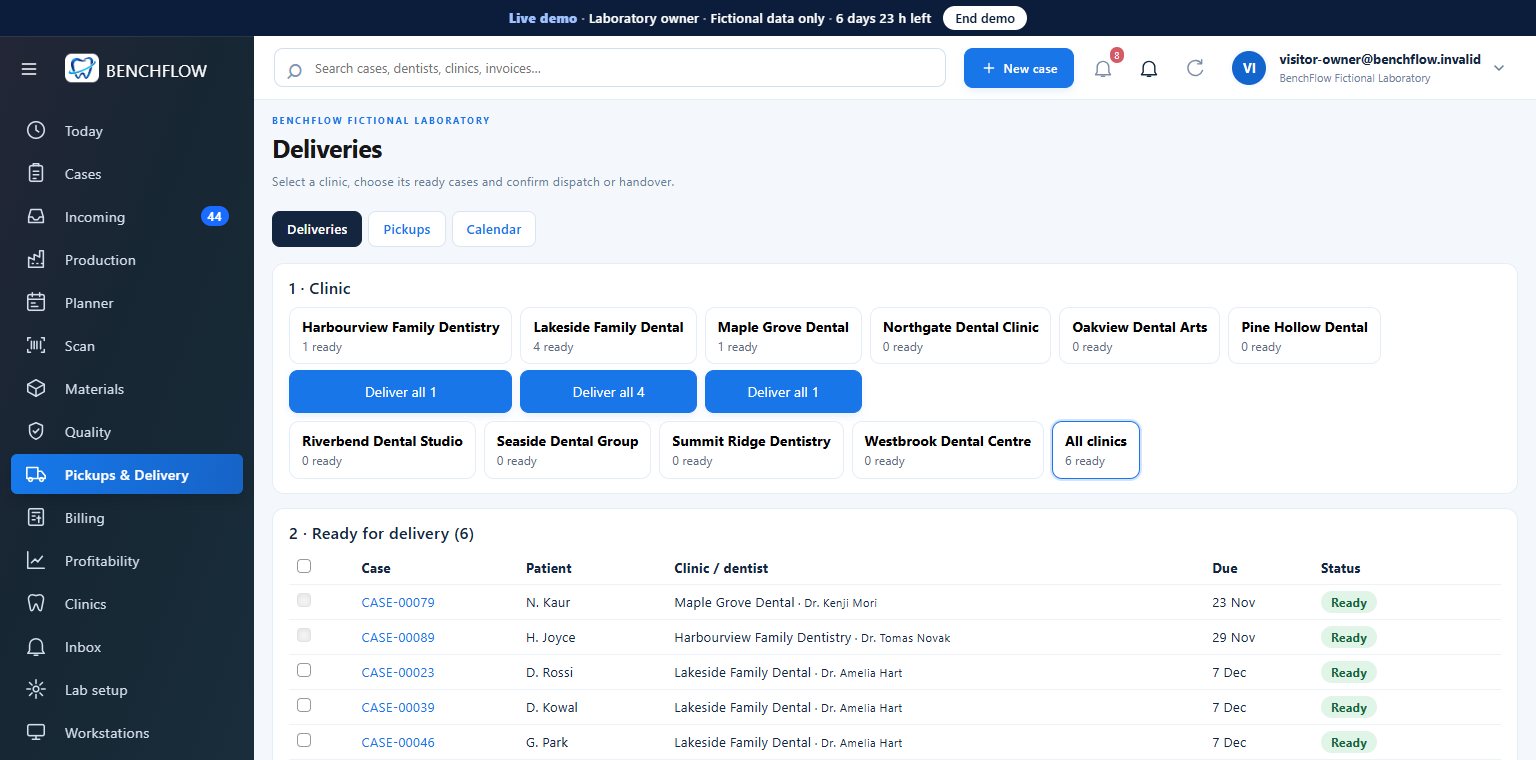
Pack the ready cases for each clinic and hand them to the courier in one batch. The clinic confirms receipt, a draft invoice is prepared on delivery, and payments and statements follow. Profitability shows what each case earned.
- Pickups, deliveries and delivery history
- Draft invoices created on delivery
- Clinic and dentist statements
Getting started
From first look to your own laboratory
There is no automatic sign-up yet. A person from the BenchFlow team talks with you first.
Explore the demo for 7 days
Open the live demo in any of the eight roles, with fictional data and no registration.
Guided walkthrough
Book a guided demo and we show you BenchFlow on a call, with your questions and your way of working.
14-day private trial
Request a trial with your own laboratory and team. Trials are set up by our team; asking does not create an account.
See the whole workflow in the live demo
Follow a fictional case from reception to invoice, in the lab and in the clinic portal.